Introduction:
The AI formation in the Power Point presentation has huge benefit in the work. It insure that presentation is visually attractive and engaging while presentation. Microsoft Office AI tools help you to choose right image, color, and fonts that match your brand and making presentation looks more professional and consistent. Next thing with PPT is very easy and concise. The concept of the AI tools will write clear and more concise content that is easy to understand to the audience and help you to retain that information you are presenting.
Here are some MS Power Point features ’20 to ’23 that are available in PowerPoint in details. Check out the benefits that comes from AI tools featured in MS-Excel:
Designer: This is a 2020 AI features in MS Office PowerPoint. The designer uses AI that help users to create visually appealing slides. When you insert an image, Designer offers layout suggestions, smart icon placement, and color coordination options to make your slides more professional.
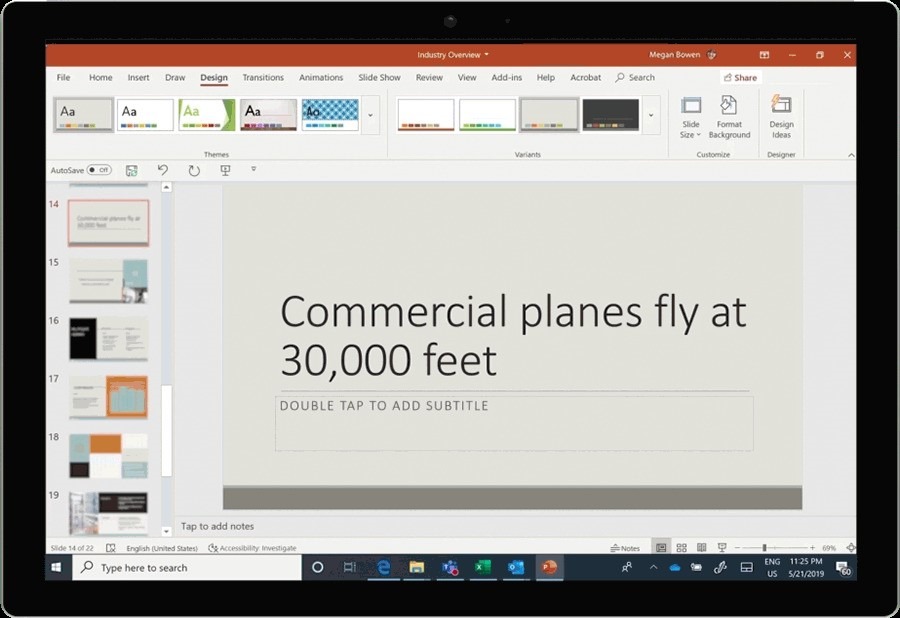
2. Ideas: Similar to Word, the Ideas feature in PowerPoint provides AI-powered suggestions for slide design, content layout, and formatting to help you create more engaging presentations.
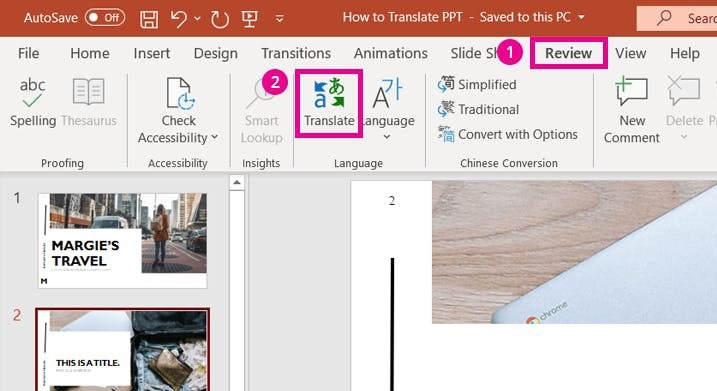
3. Slide Translator: The Slide Translator feature can translate your presentation content into different languages using AI. It’s useful for making your presentations more accessible to a global audience.
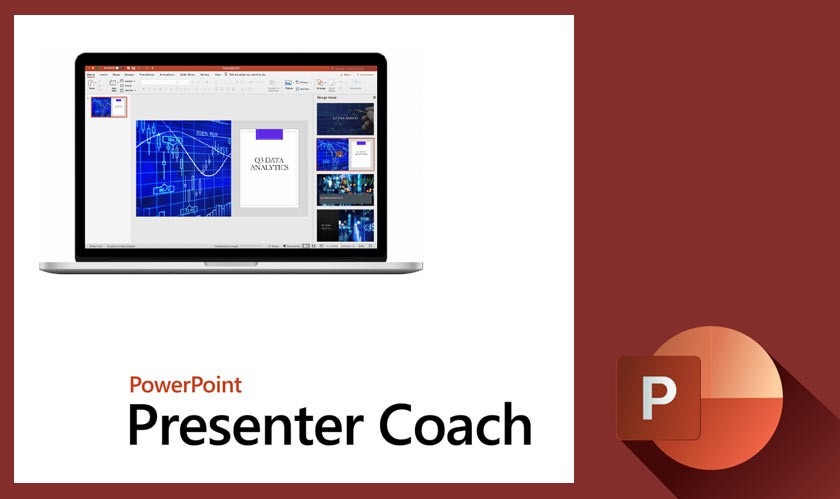
4. Presenter Coach: Presenter Coach, available in PowerPoint Online, uses AI tools with MS Office to provide feedback on your presentation skills. It can help you improve your pacing, minimize filler words, and provide recommendations for a more engaging delivery.
5. Rehearse Timings: While not strictly AI, this feature helps you rehearse your presentation by recording the time it takes to go through each slide. It can help you refine your timing and stay within your allotted presentation time.
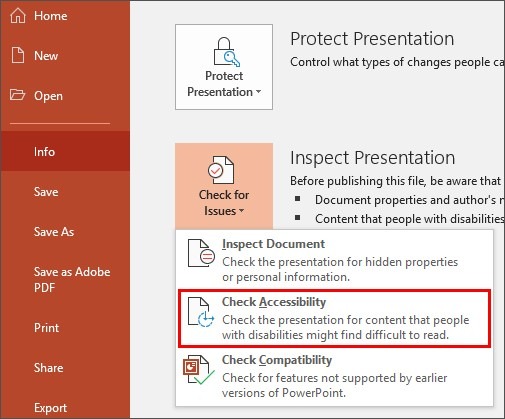
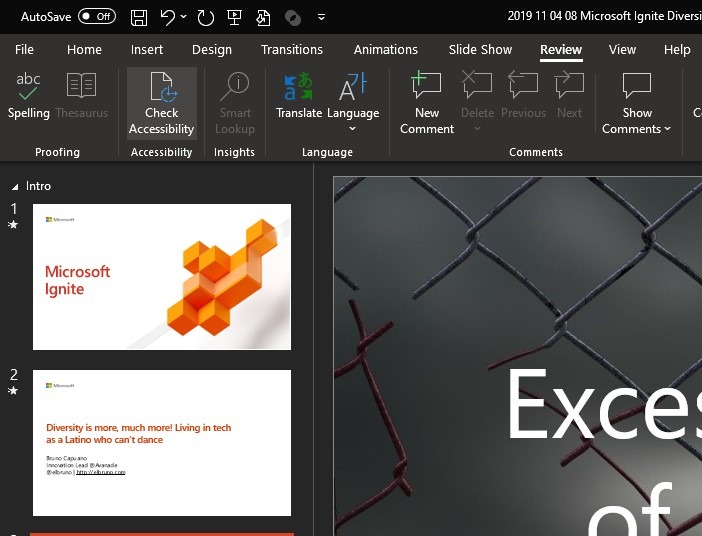
6. Accessibility Checker: Similar to Word, PowerPoint includes an Accessibility Checker to identify and provide guidance on accessibility issues in your presentations, ensuring they are inclusive to all audiences.
7. Transcription and Subtitles: PowerPoint can automatically generate real-time subtitles during a presentation, making it more accessible to those with hearing impairments. This feature relies on speech recognition technology, which is AI-driven.
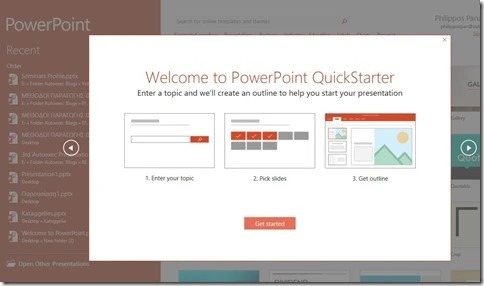
8. QuickStarter: QuickStarter helps you brainstorm and outline your presentation by providing topic suggestions and content ideas based on your chosen subject. It can be a valuable tool for getting started with your presentation content.
9. AI-Powered Search: PowerPoint includes a Smart Search feature that uses AI to help you find relevant content, including images and icons, from within the application.
10. Inserting 3D Models: While not exclusive to AI, you can insert 3D models into PowerPoint slides, allowing for more interactive and engaging presentations. These models can be rotated and viewed from different angles.
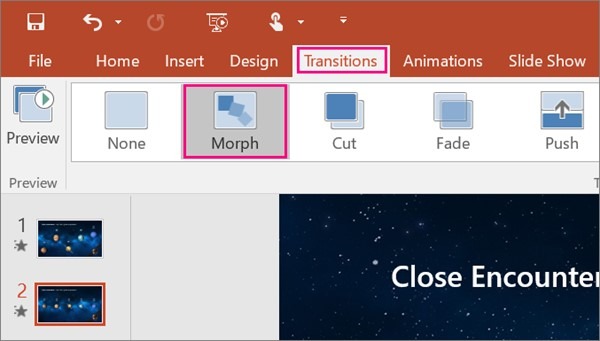
11. Morph Transition: Morph is a transition effect in PowerPoint that uses AI to create smooth, animated transitions between slides. It can automatically animate objects between slides to create impressive visual effects.
12. Live Captions and Subtitles: PowerPoint can automatically generate live captions and subtitles for your presentations in real-time. This feature is helpful for accessibility and language translation purposes.
13. Presenter Coach: This is a 2022 AI features in MS office where Presenter Coach uses AI to provide feedback on your presentation skills. It can help you improve your pacing, tone of voice, and language use while rehearsing your presentation.
14. Translator: Similar to Word, PowerPoint also includes a built-in translation feature that uses AI to translate the content of your slides into different languages.
15. Audio and Video Enhancements: PowerPoint’s AI-driven features can help enhance audio and video content in your presentations. It can improve the quality of audio recordings and automatically adjust video playback settings for optimal quality.
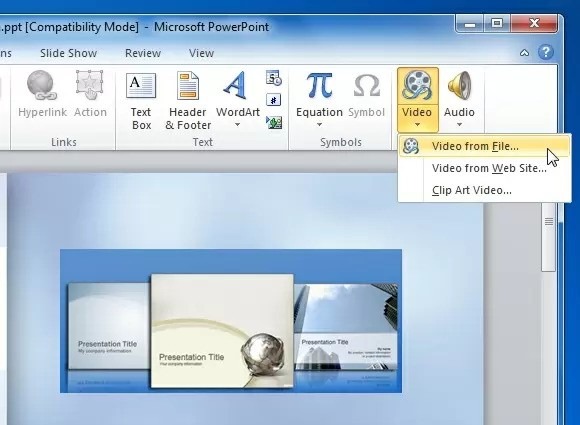
16. AI-Powered Slide Designer Apps: Microsoft offers AI-powered PowerPoint add-ins like “Designer for Microsoft PowerPoint” that can generate design suggestions and templates to make your slides more engaging.
17. QuickStarter: QuickStarter is an AI-driven feature that assists in creating an outline and slide content for your presentation based on a given topic. It can help you get started quickly with your presentations.
18. Slide Insights: This feature provides insights into how your audience is engaging with your presentation. It can help you understand which slides are most and least effective, based on data and AI analysis.
19. Accessibility Checker: Similar to Word and other Office applications, PowerPoint includes an Accessibility Checker to identify and guide you in fixing accessibility issues in your presentations.